No app download for your guests
The menu opens straight in the phone browser after the QR Code scan. No store, no install, no login friction at the table.
Menu Digital Software turns your menu into a mobile experience accessed by QR Code — with photos, descriptions, categories, prices and add-ons. Receive table and delivery orders in a single management panel.
30-day satisfaction guarantee
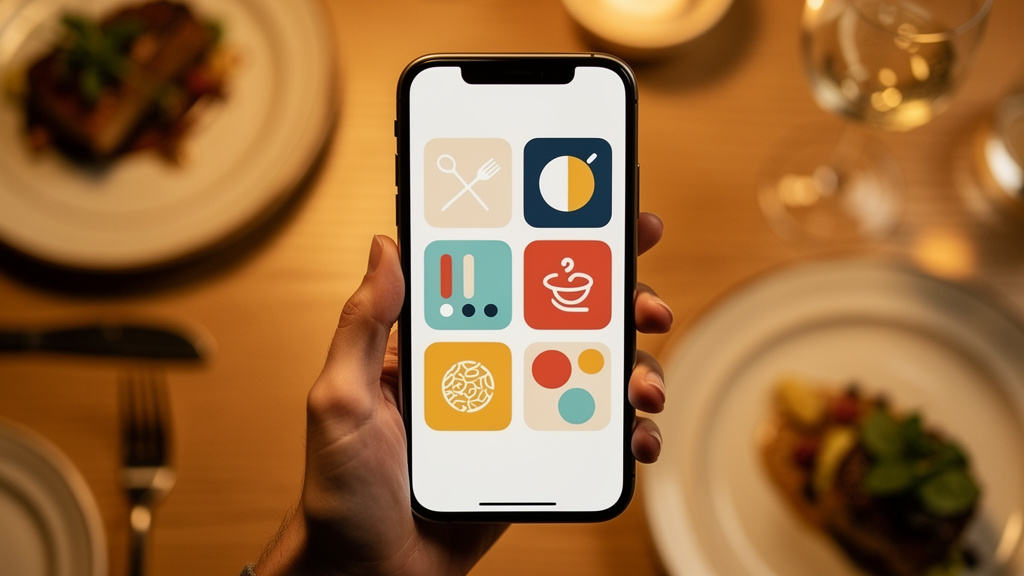
Your menu on every table, one QR Code away.
01 / Platform
Six things the software does from the first scan to the order that lands in the panel.
The menu opens straight in the phone browser after the QR Code scan. No store, no install, no login friction at the table.
Change prices, swap photos, rewrite descriptions or mark an item as unavailable. The update appears on the next scan — no reprinting.
Guests build the order with add-ons and notes. Requests land in your panel organized by table or delivery, ready for the kitchen.
Follow order status, manage categories, control item availability and keep the menu consistent across every table and channel.
The platform supports payment integrations so checkout happens inside the ordering flow. contact our support team
Plans include access to the platform and technical support from our team. contact our support team
02 / How it works
The same flow for a single counter or a full dining room.
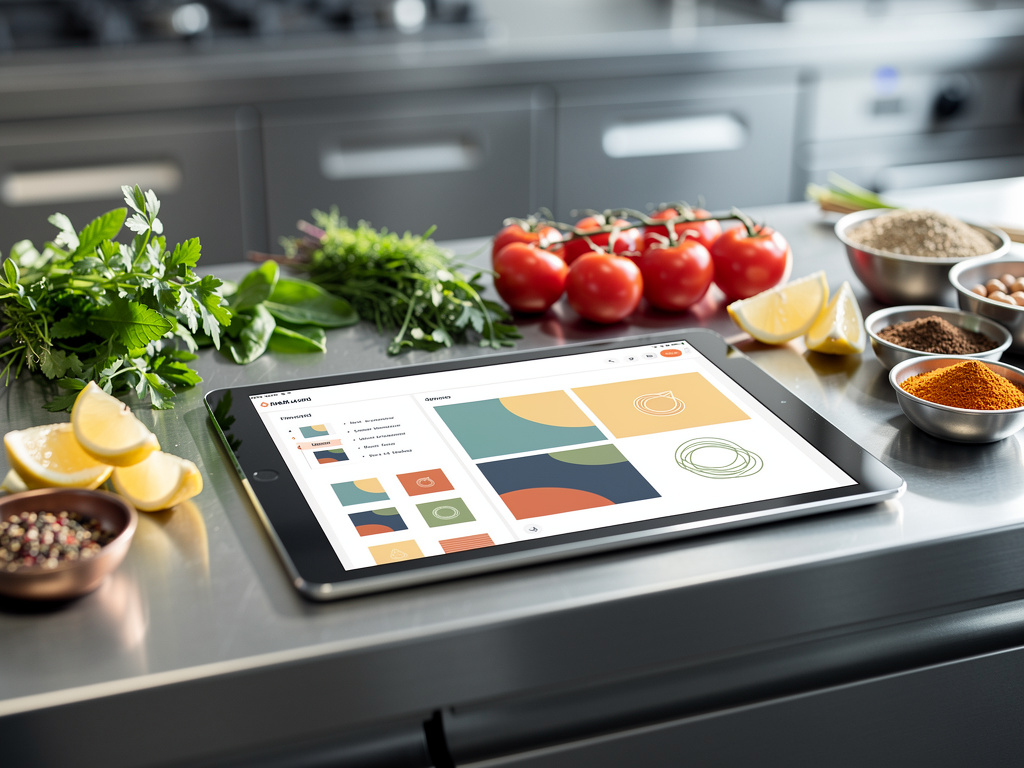
Upload photos, write descriptions, organize categories, set prices and create add-on groups inside the panel.
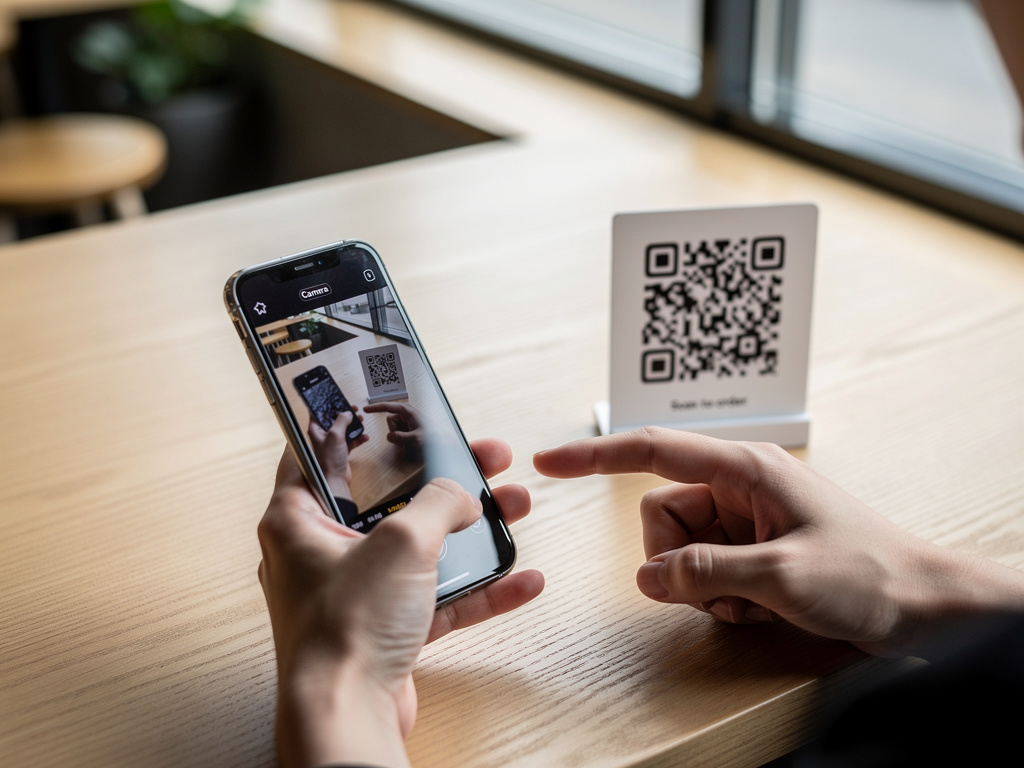
Print the code for tables, counter, window or delivery bags. Guests scan and the menu opens on their own phone.
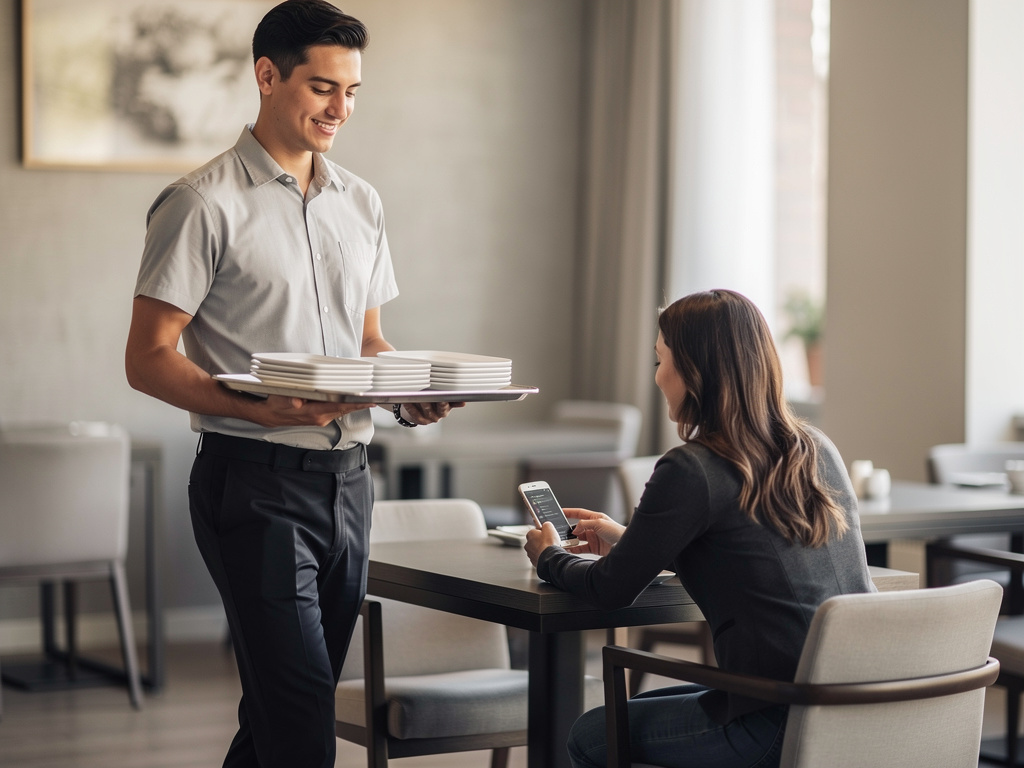
Table and delivery orders arrive in the dashboard. Track each one, mark items as unavailable and adjust the menu whenever you need.
Software licensed by subscription: menu, QR Code and order panel in one platform, with technical support for subscribers.
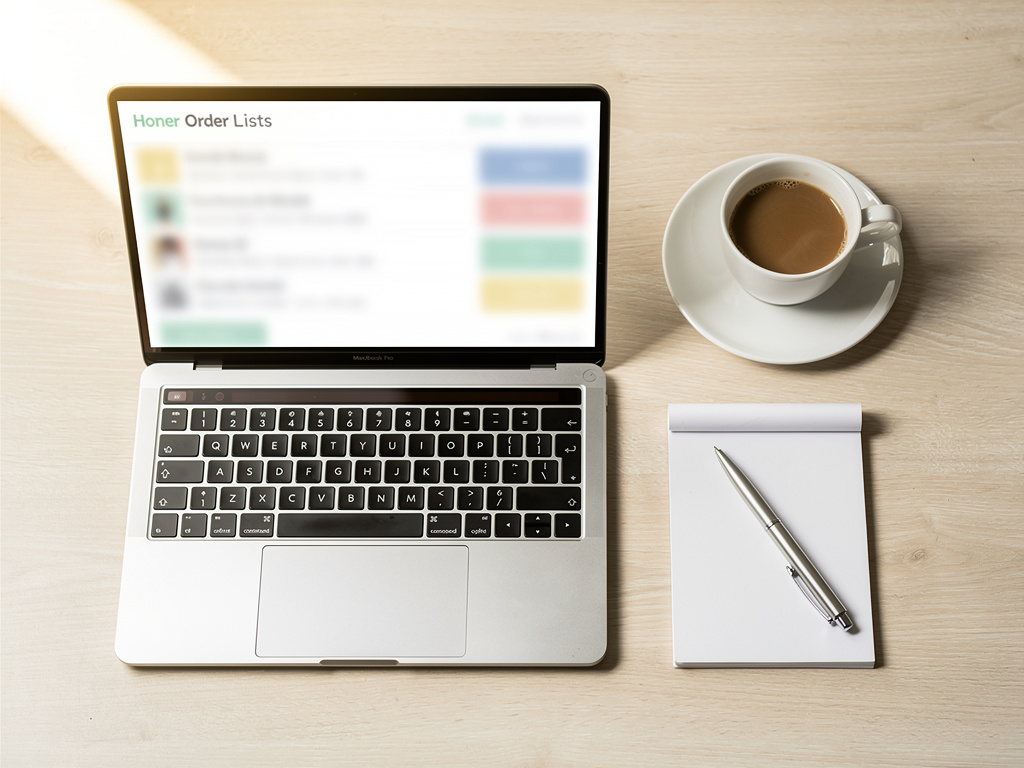
Fig. 04 — order list in the management panel
Price shown on the checkout page before you confirm
month
Price shown on the checkout page before you confirm
month
Price shown on the checkout page before you confirm
month
Subscription terms. Every plan is licensed as a recurring subscription: billing renews automatically until you cancel. To cancel, request it through our support channel at the contact page; the recurring billing ends according to the plan terms. Full conditions are in the Terms of Use, the Refund Policy and the Shipping page.
contact our support team
Menu Digital Software develops and licenses a digital menu platform for bars, restaurants, cafés, pizzerias, food trucks and delivery operations. The product is simple on purpose: a menu that loads fast on any phone and a panel that anyone on the team can learn.
We work on the two sides of the same table. For the guest, a clean screen with real photos, honest descriptions and add-ons that are easy to understand. For the operator, control over prices, availability and incoming orders — without waiting on an agency or a new print run.
The service is offered by subscription, with plans, payment integrations and technical support. contact our support team
To make digital service accessible to every food business, from the single counter to the full dining room.
MENU DIGITAL SOFTWARE LTDA · Reg. 29.702.850/0001-13 · Rua Lauro Mueller, 370, APT 501 - Jardim Blumenau, Blumenau - SC, 89010-380 · [email protected] · +551132307788
05 / FAQ
Anything not answered here, ask us on the contact page.
No. They scan the QR Code with the phone camera and the menu opens in the browser. No download and no account required to browse.
Menu Digital Software is licensed as a recurring subscription with plan options. contact our support team
Cancellation is requested through our support channel and ends the recurring billing according to the plan terms. contact our support team
Refund requests are handled by our support team following the contract policy. contact our support team See the Refund Policy.
Access is released after the subscription is confirmed, and the menu goes live as soon as you finish loading items and generate the QR Code. contact our support team
Yes. Prices, photos, descriptions and item availability are edited in the panel and reflected in the menu customers open next.
Yes. The platform handles table orders and delivery orders, and both appear in the same management dashboard.
The platform offers payment integrations inside the ordering flow. contact our support team
Limits and features vary by plan. contact our support team
Tell us how your operation works and we'll show the platform in action — menu builder, QR Code and order panel.
Talk to our team